
Local business websites
A website checklist for local trades and service businesses
Show what you do, where you work and what information you need for an enquiry. Use real job details and make the next step easy on a phone.
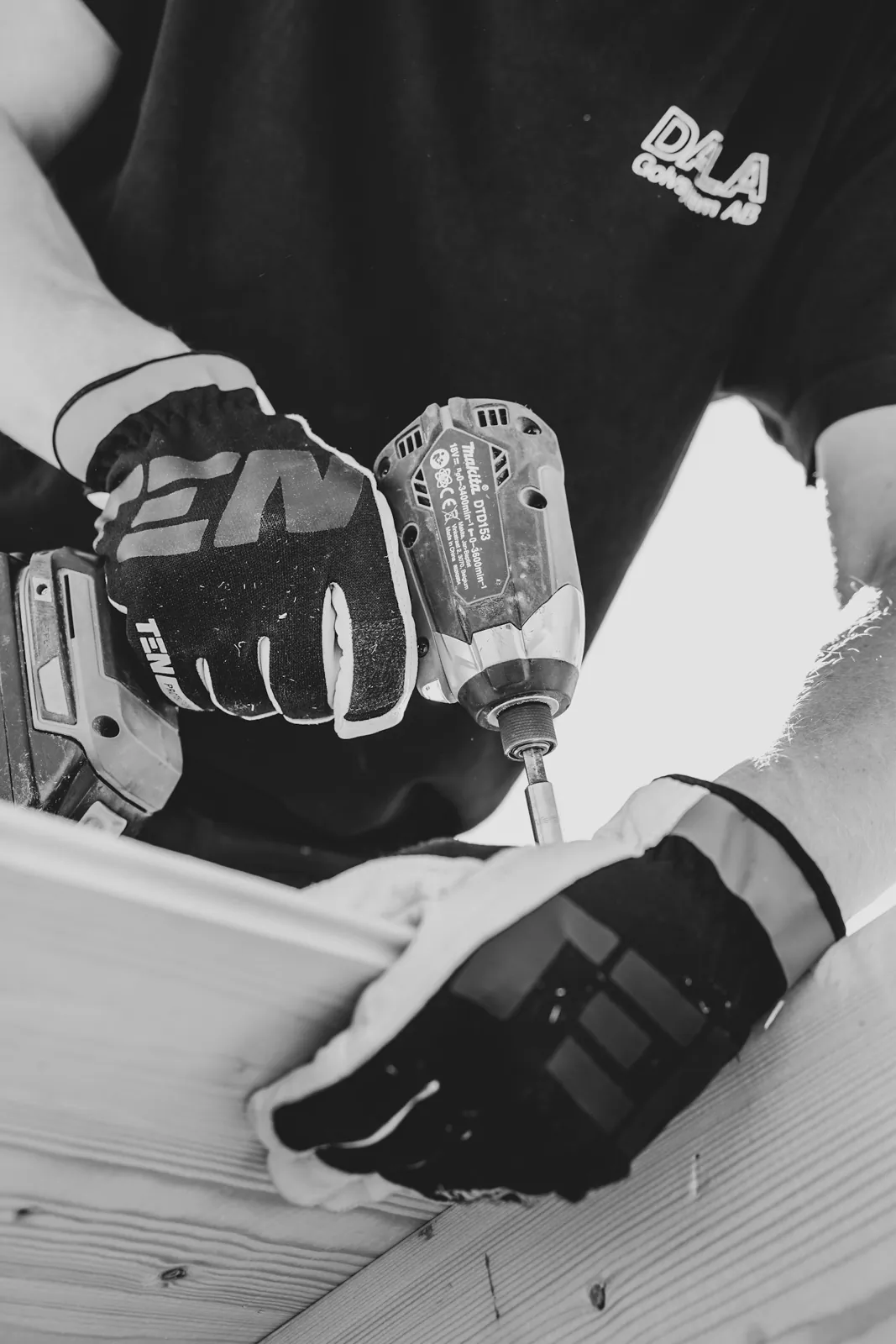
A useful trade or service website answers the questions someone asks before contacting you: do you do this work, do you cover my area, and what should I send you? Make those answers easy to find on a phone.
A visitor shouldn't need to read your entire company history to work out whether you can help with their job. Put the practical information first. They may be checking between other jobs or while standing beside something that needs fixing.
Describe the work you actually take on
Replace broad phrases such as “all your property needs” with the services you provide. A property maintenance business could distinguish routine garden maintenance from repairs it doesn't offer. A detailer could explain the difference between an interior clean and paint correction.
Be equally clear about limits. If you don't handle emergency call-outs, say so. If a site visit is needed before a quote, explain that. Useful boundaries save both sides an unsuitable enquiry.
Make your service area specific and honest
Name the places you genuinely serve, then explain any practical limits. For example, a business might cover Gosford and Woy Woy routinely but consider work further north by arrangement. That is more useful than claiming to service everywhere between Newcastle and Sydney when the actual travel policy is narrower.
That example is hypothetical. Write your own coverage around the work you actually take on. Check spelling and use the place names your customers recognise.
Do not create a nearly identical page for every suburb just to repeat the same service description. Google's spam policies identify doorway pages and keyword stuffing as problematic. Add a local page when it answers something genuinely different, such as access arrangements or a service available only in that area.
Use evidence customers can understand
Real photographs of your work are useful when you have permission to publish them. Give a short explanation of what the job involved. A photo with a clear description tells a visitor more than a row of unexplained images.
- Use accurate qualifications or licence details where relevant.
- Keep customer quotations faithful to what the customer said.
- Label design concepts and stock images so they don't imply completed jobs.
- Describe the work shown without promising the same result for every customer.
Leave out private addresses, number plates or identifying information unless you have a reason and permission to show them. You can describe a job without turning a customer's home into a public case study.
Ask for the information needed to respond
Keep the first enquiry manageable. A local trade might ask for a name and contact details, followed by the suburb and a short description of the job. Offer a way to provide photographs if that is useful to your quoting process. Don't make visitors upload files they are unlikely to have.
Show a phone number as a usable phone link where calling is appropriate. Explain when customers should use the form instead. Any response-time statement must reflect what the business can actually maintain.
Run a small pre-launch check
- Read the service description on a phone without zooming.
- Check that the coverage information is visible before the form.
- Follow each main call or enquiry link.
- Send a test enquiry and confirm receipt in the correct inbox.
- Check the confirmation message and any automatic acknowledgement.
- Ask someone unfamiliar with the business to explain what you offer.
Common questions
Does every service need its own page?
Only when there is enough useful information to support it. A separate page is worthwhile if it explains a distinct job and answers different customer questions. A short list may be enough for closely related minor services.
Should we put prices on the website?
Publish prices when you can state the scope accurately. If the work needs assessment, explain what affects the quote and what information you need. Avoid a low headline price that leaves the reader guessing about essential extras.
Klicked is based on the Central Coast and provides small business website design for businesses across our Newcastle to Sydney service area. Our brief template gives you a place to collect the details before asking for a quote.